> ## Documentation Index
> Fetch the complete documentation index at: https://docs.opscape.com/llms.txt
> Use this file to discover all available pages before exploring further.
# Introduction
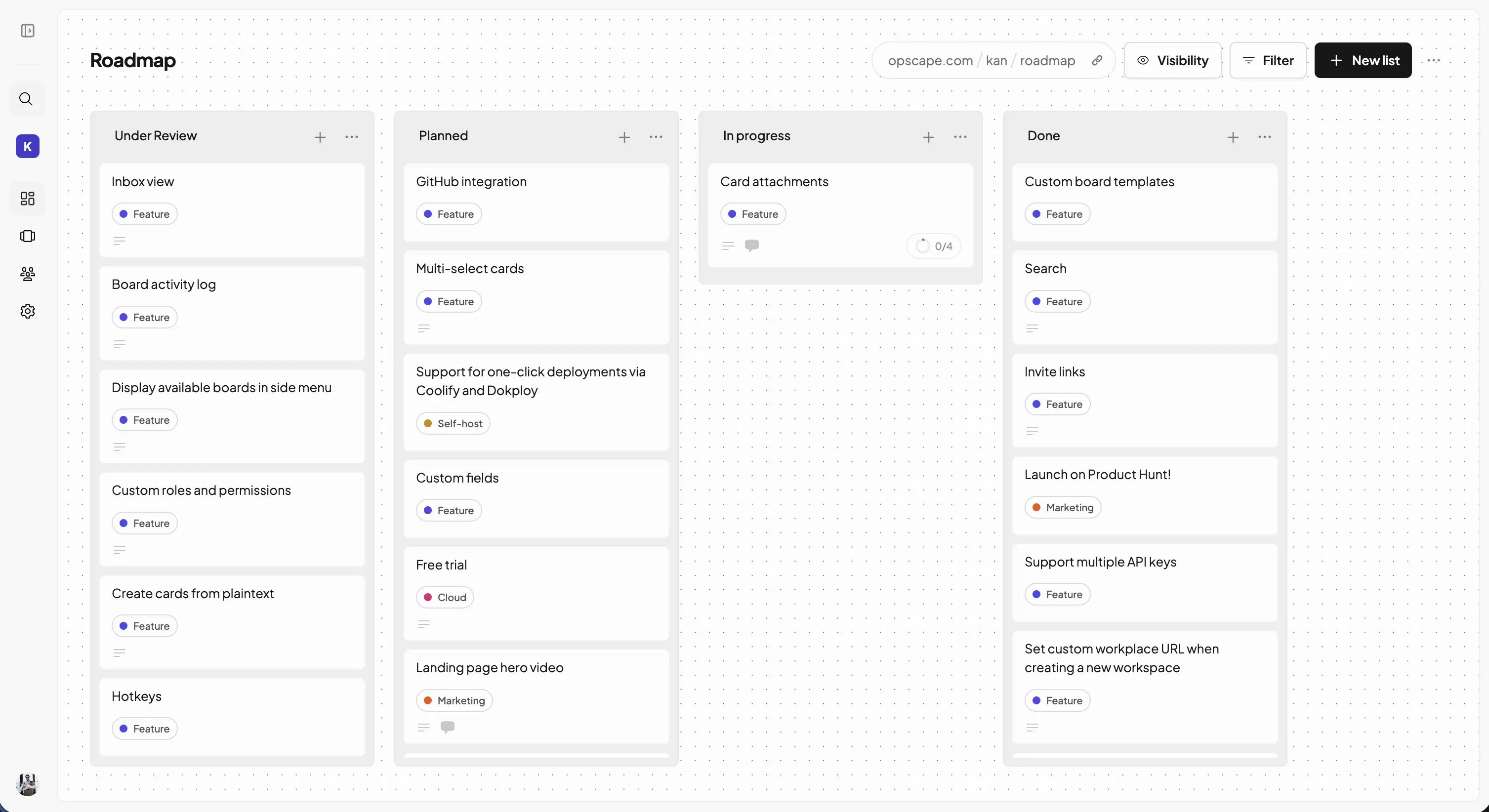
> Opscape Kan is the open source alternative to Trello.
 ## Getting Started
Get started with Kan by choosing your preferred deployment option below.
Get started instantly with our hosted solution - we'll handle all the
hosting, scaling, and maintenance for you.
For full data ownership and control, you can self-host Kan on your
infrastructure.
## Getting Started
Get started with Kan by choosing your preferred deployment option below.
Get started instantly with our hosted solution - we'll handle all the
hosting, scaling, and maintenance for you.
For full data ownership and control, you can self-host Kan on your
infrastructure.